From today, Alpaca’s Trading MCP Server can search and retrieve Alpaca’s API documentation, giving connected assistants the context they need to help developers build trading dashboards, automation, and strategies more efficiently.
Previously, an assistant often needed API details pasted into the prompt or inferred from partial context. Now, through the same MCP server that exposes Alpaca market data, account, and trading tools, an assistant can search Alpaca’s supported API references, find the right operation for a task, and inspect its parameters, request shape, response fields, constraints, and source documentation.
This allows builders to move from intent to implementation with less need to manually search or include large portions of API documentation in a prompt. . Instead, agents can retrieve the specific API context they need when they need it.
The documentation tools cover Alpaca’s Trading API, Market Data API, and Authentication references.
What’s New: Build With API Documentation in Context
The new documentation tools help builders and connected assistants move from an intended workflow to the Alpaca API operation needed to implement it by providing relevant API documentation and implementation context within the connected workflow.:
- Access API documentation in context: Ask about operations, parameters, request shapes, and response fields without searching Alpaca’s documentation separately.
- Example Prompt: “I want to submit a bracket order. Show me the relevant operation, required parameters, request shape, and expected response fields.”
- Move from intent to implementation: Describe the workflow you want to build and surface the relevant API operation, constraints, and authentication requirements.
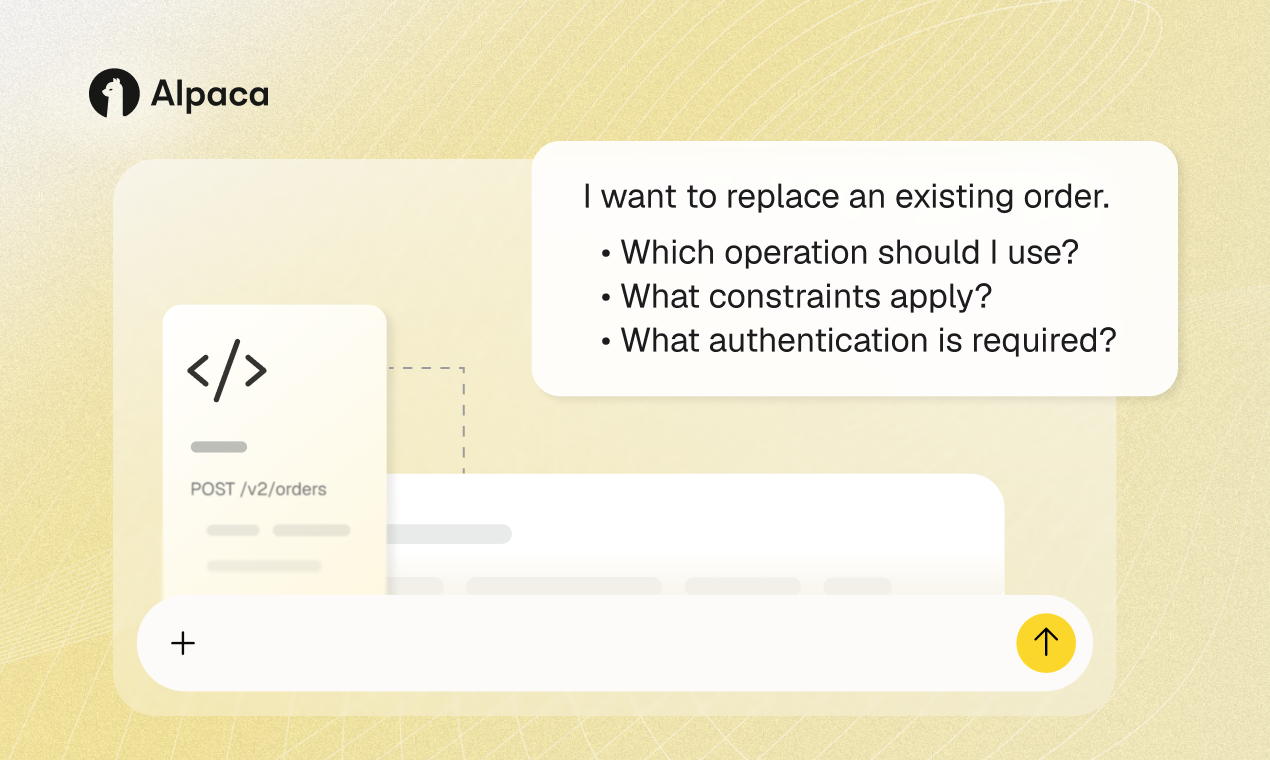
- Example Prompt: “I want to replace an existing order. Which operation should I use, what constraints apply, and what authentication is required?”
- Give agents documentation context: Provide source-backed API documentation that helps connected assistants reason through integrations and review implementation details against Alpaca’s documented API requirements.
- Example Prompt: “Review this order request against Alpaca’s API documentation, identify any missing or unsupported fields, and include the relevant source links.”
- Keep conversations focused: Retrieve relevant documentation context and source links relevant without navigating across separate tools or broad documentation pages.
- Example Prompt: “Summarize only the documentation needed to retrieve a full option chain, including the operation, required inputs, and source references.”
Building with Alpaca's Trading MCP Server
The steps for accessing documentation depend on whether you are connecting the Trading MCP Server for the first time or updating an existing installation.
New to Alpaca’s Trading MCP Server?
Alpaca’s Trading MCP Server connects a supported MCP client to Alpaca’s market data, account, and trading tools. Documentation access adds tools for finding supported API operations, inspecting their implementation requirements, and returning the relevant source documentation.
To get started:
- Create or sign in to an Alpaca Trading API account and generate paper trading API keys.
- Follow the Trading API MCP Server documentation or GitHub repository to connect the server to a supported MCP client.
- Restart the client after saving the configuration so it can load the server and its available tools.
- Open a new conversation and begin with a documentation request:
“Which Alpaca API operation should I use to replace an existing order? Show the required parameters, constraints, response fields, and source documentation. Use documentation tools only.”
A successful response is expected to identify the relevant operation, explain the documented requirements, and include links to the underlying Alpaca documentation.
Already Using Alpaca’s Trading MCP Server V2?
Documentation access is available in the Trading MCP Server version 2.2.1.
If you run the server with uvx, refresh the package and verify the installed version with:
uvx alpaca-mcp-server@latest --versionAfter updating:
- Restart your MCP client so it loads the current tool set.
- Open a new conversation so the assistant receives the updated tool definitions.
- Verify documentation access with the prompt: “Find the Alpaca API documentation for replacing an existing order. Return the operation, required parameters, constraints, response fields, and source links. Use documentation tools only.”
If the documentation tools do not appear, confirm that the installed version includes the feature, fully restart the client, and review the current troubleshooting guidance in the Trading MCP Server documentation.
Users still running Trading MCP Server V1 should follow the V1-to-V2 migration guidance before completing these steps. Review the Trading API MCP Server Documentation or the GitHub repository for complete setup instructions.
Alpaca’s Trading MCP Server V2 constructs most of its tools from Alpaca’s OpenAPI specifications, which describe operations, parameters, and response schemes. The new documentation adds context around those operations, including what they are designed to do, which inputs and constraints apply, and what their responses return.
This connects a user’s intended workflow to the relevant API operation and source documentation. That information can support an MCP tool call, a direct API request, or a broader workflow.
Additional Resources
For additional AI tools, check out Alpaca’s Skills Library for AI Agents and CLI. If you’re looking to learn more about what other Alpaca users are building in the AI and agentic space, here are a few examples:
- How to Get Started with Machine Learning in Trading
- From Value Investing to Systematic Trading: Building a Multi-Strategy Backtesting Dashboard with AI and Alpaca
- Building a Multi-Agent AI Trading System on Alpaca
- From Quant Workflows to LLM-Assisted Trading with Alpaca
- Agent-M: An Autonomous Multi-Agent Trading Platform Using Alpaca
Still have questions? Contact us at [email protected] or visit our documentation.
The content of this article is for general informational purposes only. All examples are for educational and illustrative purposes only.
Information and outputs generated through Alpaca’s MCP Server, or connected AI agents are provided for educational and informational purposes only and do not constitute investment advice or a recommendation to buy, sell, or hold any security. AI-generated outputs may contain errors, omissions, or inaccuracies and should be independently reviewed and verified before use or reliance. Alpaca does not recommend any specific security, or investment strategy. Users should conduct their own due diligence before making investment decisions. All firms mentioned operate independently and are not responsible for one another's products or services.
Securities brokerage services are provided by Alpaca Securities LLC (dba "Alpaca Clearing"), member FINRA/SIPC, a wholly-owned subsidiary of AlpacaDB, Inc. Technology and services are offered by AlpacaDB, Inc.
This is not an offer, solicitation of an offer, or advice to buy or sell securities or open a brokerage account in any jurisdiction where Alpaca Securities is not registered or licensed, as applicable.