Stop watching the markets.
Turn your words into action with Alpaca’s MCP Server
Ask. Build. Analyze. Automate. Execute. All inside your favorite AI interface powered by Alpaca’s Trading API.
Research, Decide, and Trade in One Flow
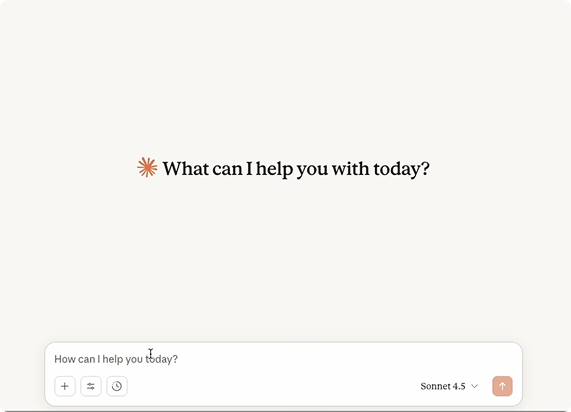
Ask AI to analyze news, check portfolio P/L, and place an order in a single interface, no tab-hopping or scripting required. Stay in the flow while AI handles the heavy lifting.
Full Visibility Into Every AI Driven Trade
See every prompt, parameter, and order payload before anything goes to market. You get AI-powered reasoning with full control and auditability.
Natural Language Access to Market and Strategy
Trade fractional equities, crypto, ETFs, and multi-leg options (spreads, condors) with natural language commands. Pull live or historical market data, corporate actions, and portfolio details without writing code.
Test in Paper Mode, Go Live When You Are Ready
Try any workflow with $100K in simulated funds and real market data. When you’re ready, switch to live trading by just updating your API keys.
Want to build your algos with code instead?
Learn more
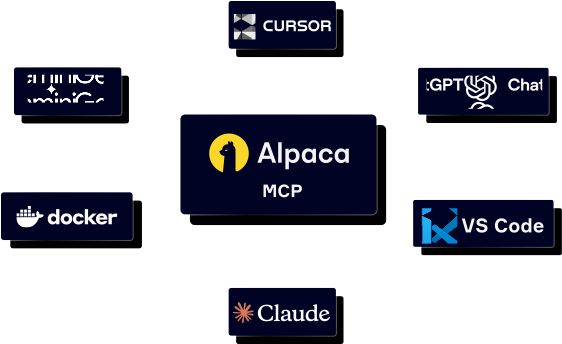
Connect with the AI tools you use
Our MCP Server reinvents the trading experience by supporting leading AI platforms

Claude Mobile
Trade hands-free using voice or text commands from your phone


Antigravity CLI
Run Antigravity powered trading commands from your terminal


More coming soon
What Alpaca's MCP Server users are saying
ty4671
Alpaca is ideal for algorithmic traders with AI oversight due to their powerful MCP Server.
fallenranger
The new MCP Server is amazing and a game changer. While still being built out and missing some things, it is a huge step in programmatic trading.
gbdavid2
Alpaca is one of the most modern brokers available, with an MCP for AI users, TradingView connected with options, and a very nice web portal.
Frequently Asked Questions
- Python 3.10 or higher
- The uv package manager
- Alpaca’s Trading API keys
- An MCP compatible client such as an AI chat app, AI CLI, or IDE
Want to host the Alpaca’s MCP Server remotely?
Learn more